PlayOnLinux (windows application emulator)
What is PlayOnLinux ?
PlayOnLinux is a piece of software which allows you to easily install and use numerous games and apps designed to run with Microsoft® Windows®.Few games are compatible with GNU/Linux at the moment and it certainly is a factor preventing the migration to this system. PlayOnLinux brings a cost-free, accessible and efficient solution to this problem.
What are PlayOnLinux's features?
Here is a non-exhaustive list of the interesting points to know:You don't have to own a Windows® license to use PlayOnLinux.
PlayOnLinux is based on Wine, and so profits from all its features yet it keeps the user from having to deal with its complexity.
PlayOnLinux is free software.
PlayOnLinux uses Bash and Python.
Nevertheless, PlayOnLinux has some bugs, as every piece of software:
Occasional performance decrease (image may be less fluid and graphics less detailed).Not all games are supported. Nevertheless, you can use our manual installation module.
A few screenshots of PlayOnLinux
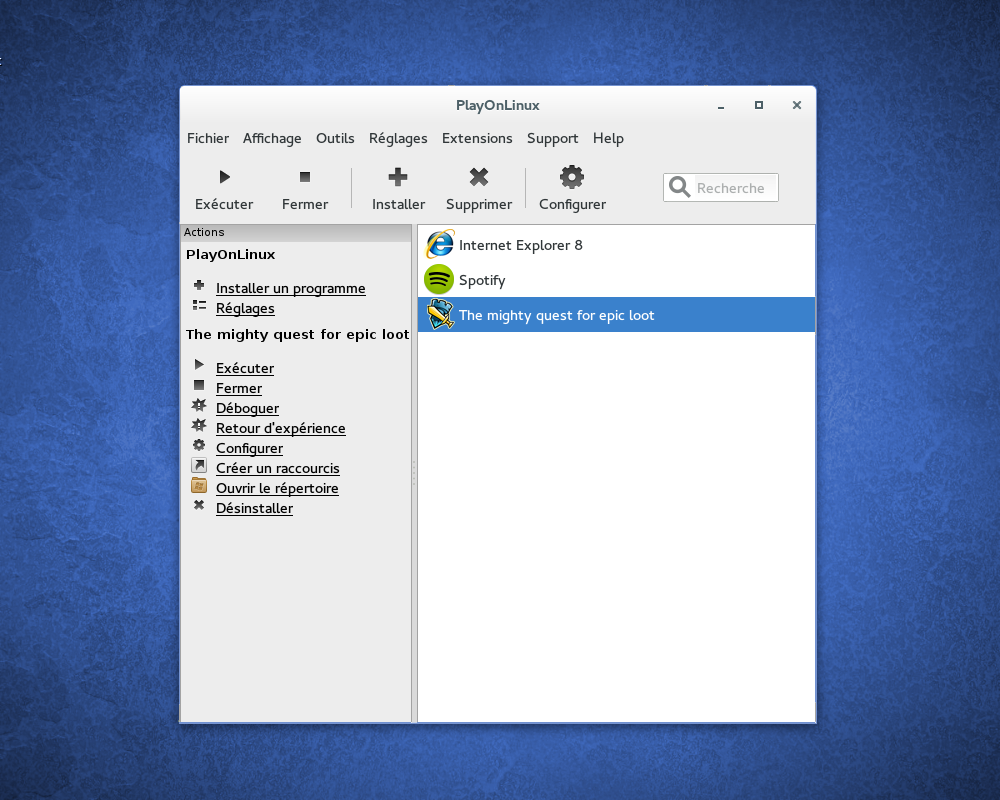 |
| Main window |
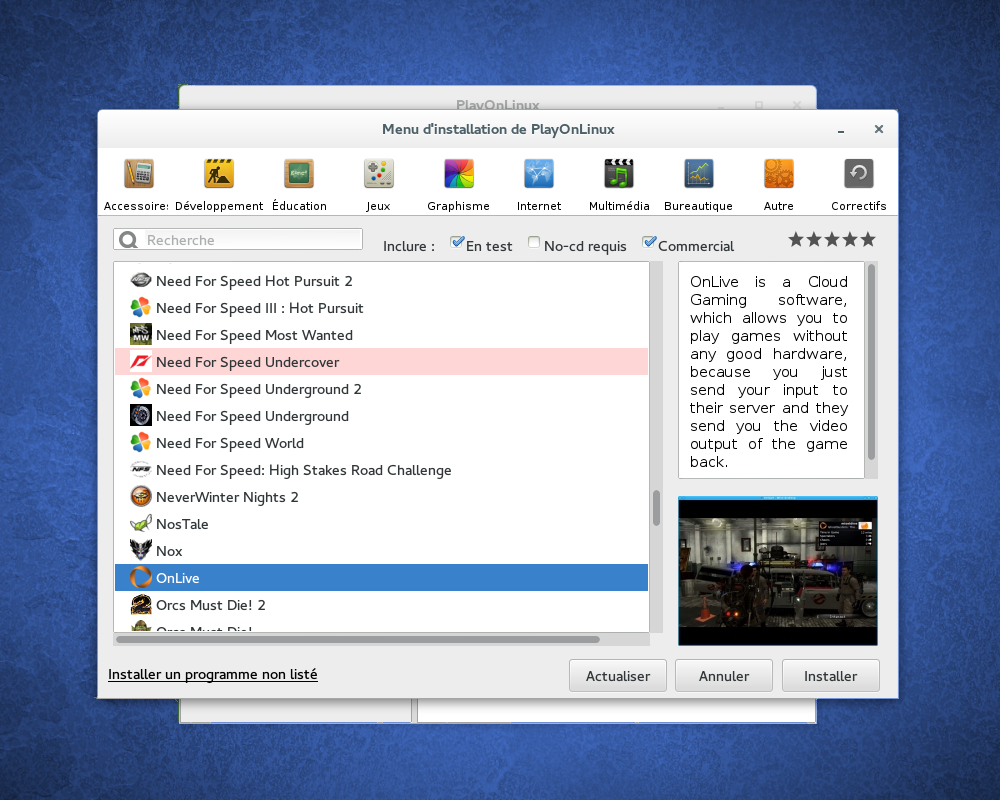 |
| Install window |
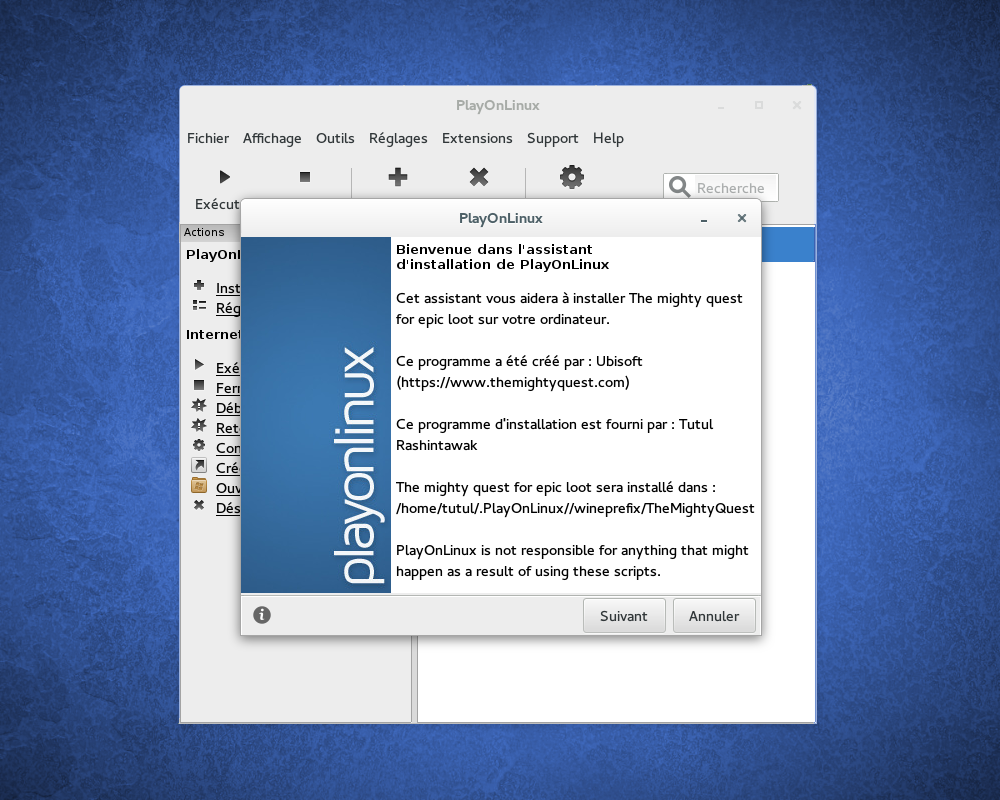 |
| Install wizard |
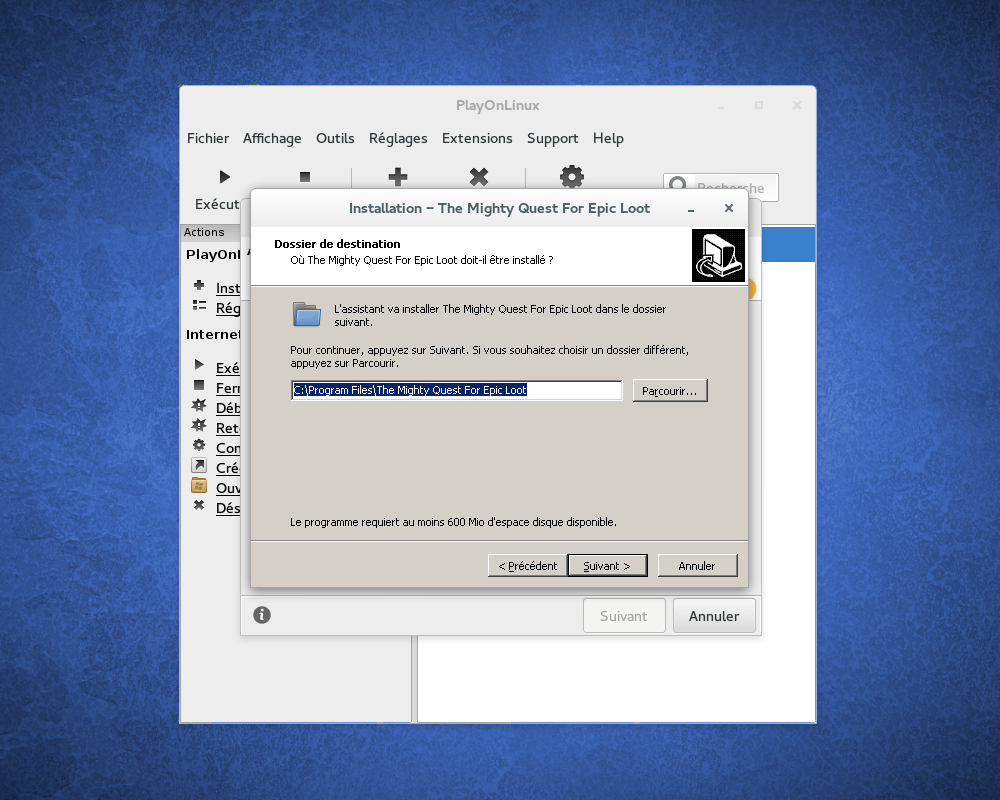 |
| Install wizard |
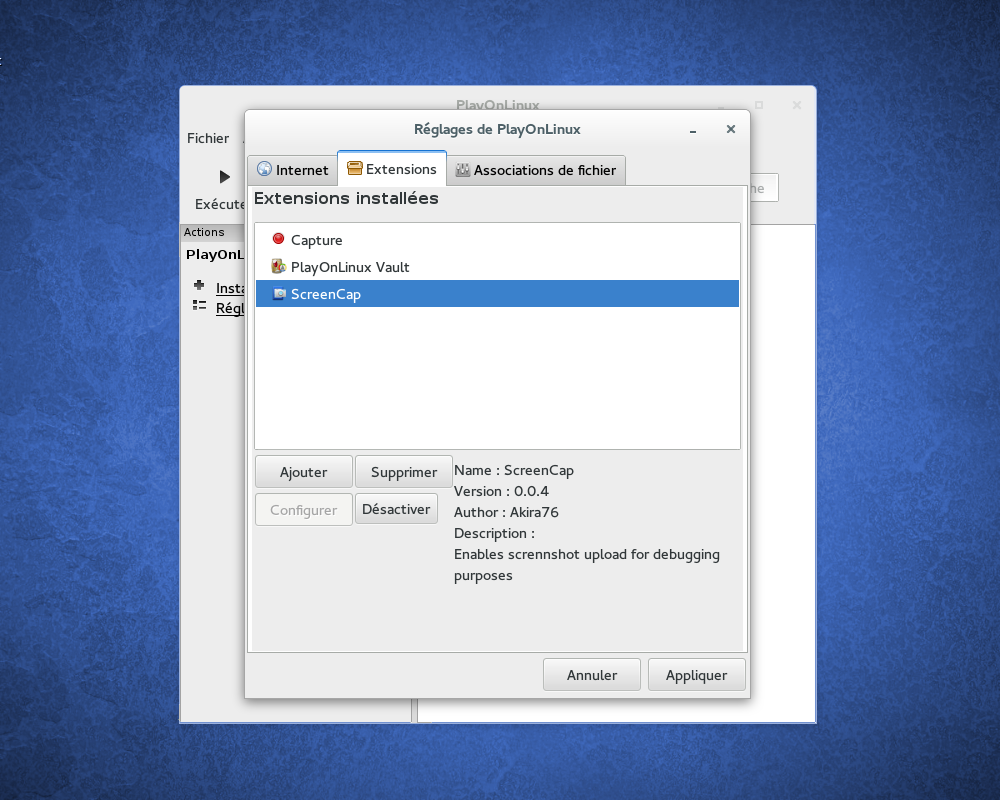 |
| Plugins |
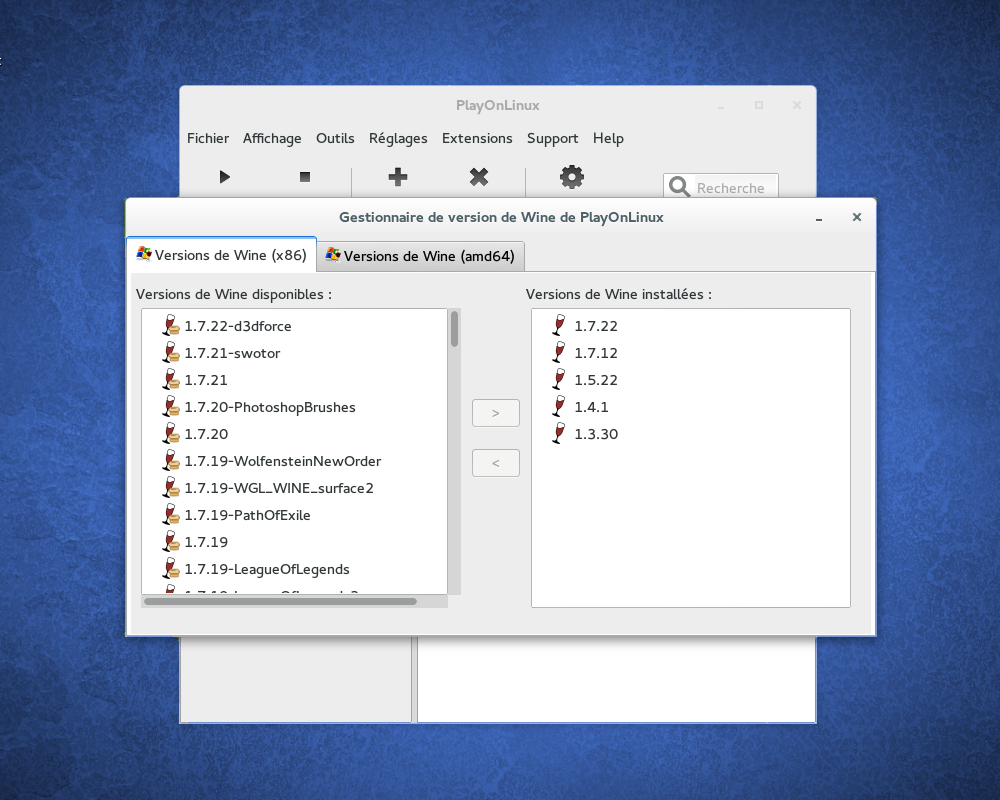 |
| Wine version |
Downloads
Ubuntu
Deb files:PlayOnLinux: PlayOnLinux_4.2.8.deb
Ubuntu Precise (and superior) users :
You must install the package wine:i386 to get PlayOnLinux working
For the Trusty version
Type the following commands:wget -q "http://deb.playonlinux.com/public.gpg" -O- | sudo apt-key add -
sudo wget http://deb.playonlinux.com/playonlinux_trusty.list -O /etc/apt/sources.list.d/playonlinux.list
sudo apt-get update
sudo apt-get install playonlinux
For the Saucy version
Type the following commands:wget -q "http://deb.playonlinux.com/public.gpg" -O- | sudo apt-key add -
sudo wget http://deb.playonlinux.com/playonlinux_saucy.list -O /etc/apt/sources.list.d/playonlinux.list
sudo apt-get update
sudo apt-get install playonlinux
For the Precise version
Type the following commands:wget -q "http://deb.playonlinux.com/public.gpg" -O- | sudo apt-key add -
sudo wget http://deb.playonlinux.com/playonlinux_precise.list -O /etc/apt/sources.list.d/playonlinux.list
sudo apt-get update
sudo apt-get install playonlinux
Generic package
.tar.gz files:You just have to extract these files and run "./playonlinux". PlayOnLinux is written in Python, so you have nothing to build, but Python must be installed first.
PlayOnLinux: PlayOnLinux_4.2.8.tar.gz
source: https://www.playonlinux.com/
Anything to ask?
SMS/WhatsApp: +6285708930667
Line, idline: andyburhannudien
BBM: 22D781E4
Facebook: Andy Burhannudien


Comments
Post a Comment